How to maintain a crypto mining rig safely
Maintain a crypto mining rig safely: power down, clean heatsinks and fans, check temperatures and hashrate, update firmware, and keep tax records.
 Vahe HakobyanEditor-in-chief
Updated Oct 6, 20263 min readFact-checked
Vahe HakobyanEditor-in-chief
Updated Oct 6, 20263 min readFact-checked
On this page
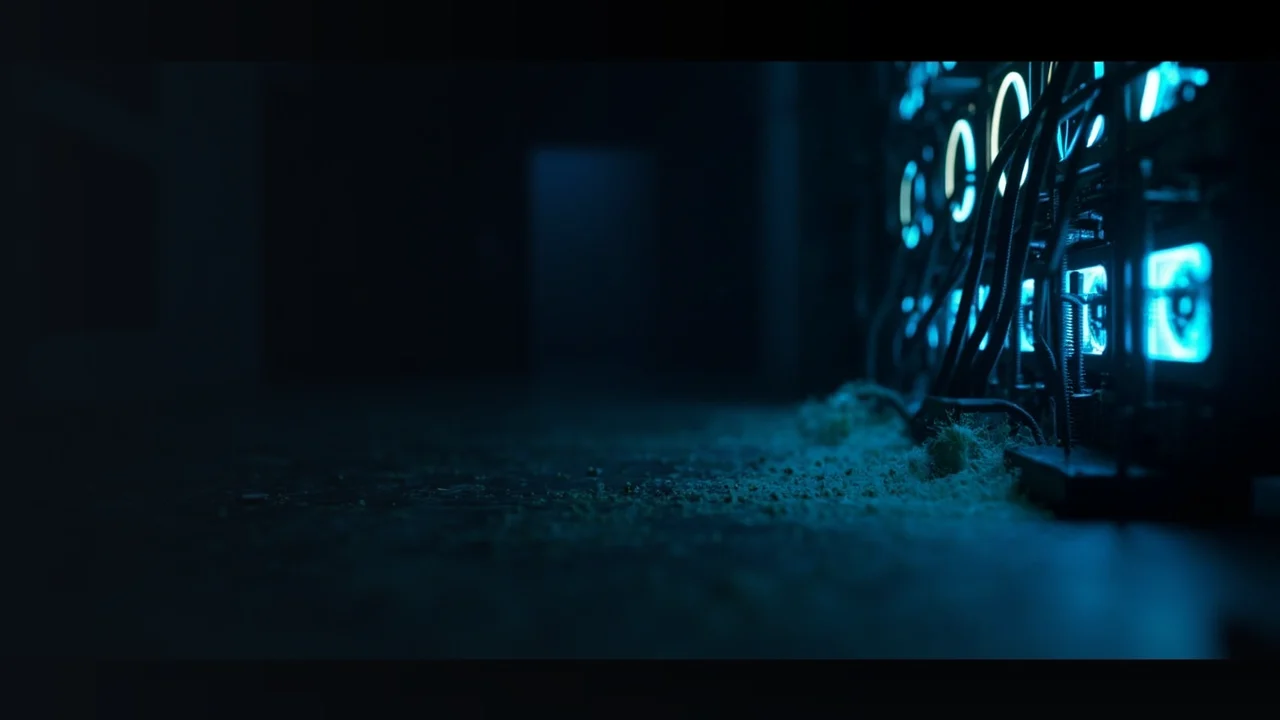
- Dust clogs heatsinks even when the case looks clean.
- Power down and unplug before you open the rig.
- A household vacuum can create damaging static.
- Mining rewards are taxable income in the US.
Cryptocurrency mining rig maintenance is a repeatable job, not a single cleanup. A proof-of-work rig runs hot and pulls air through tight metal fins, so dust, fan wear, and software glitches build up. This routine covers preparation, the cleaning and check steps, and the records and account safety afterward.
What to prepare before you start
Before you open the case, stop the mining software and shut down the operating system. Unplug the power cord, wait for the fans to stop, and put on an antistatic wrist strap. Use soft brushes and electronics compressed air.
Maintenance routine step by step
Run these checks in order. Stop if you see heat damage, a burned smell, or loose wiring. The goal is to remove dust, keep air moving, and catch software problems early.
- 1Clean dust from heatsinksUse a soft brush and short bursts of compressed air, and keep the nozzle away from circuit boards.
- 2Check fans and cablesLook for cracked blades, loose power connectors, and cables touching hot parts.
- 3Replace worn fans and pasteSwap any fan that stalls or rattles, and replace thermal paste if temperatures rise or it looks dry.
- 4Update firmware and restart minersInstall firmware from the maker's official site, write down your settings, and restart frozen mining software.
- 5Watch temperatures, hashrate, and pool dashboardCompare readings with your baseline and look for rejected shares or worker offline alerts.
After maintenance: records and accounts
Once the rig is stable, treat the money side as part of maintenance. The IRS treats cryptocurrency as property, and mining rewards you receive count as income.
- Record each mining reward when it arrives, with the date and its US dollar value.
- Keep receipts for hardware, electricity, and pool fees.
- Report mining income on your US tax return.
- Use unique passwords, two factor authentication, and offline backup codes for pool and wallet accounts.
Frequently asked questions
No. A household vacuum can build static that damages hardware, so use compressed air and soft brushes.
Replace it when temperatures rise or the paste looks dry and cracked, not on a fixed schedule.
Power down, unplug, and check the fan cable. Replace the fan if it does not spin, and check temperatures and power if the rig shut down.
Yes. Dust still builds from filters and air movement, so check heatsinks and fans regularly.