












How to choose the right network when sending USDT
Match the network name your recipient's wallet or exchange lists, then copy the address and any memo or tag, and confirm on the same network.
 Vahe HakobyanEditor-in-chief
Updated Oct 6, 20263 min readFact-checked
Vahe HakobyanEditor-in-chief
Updated Oct 6, 20263 min readFact-checked
On this page
Sending USDT goes wrong most often at one point: the network. The right network is the one the recipient's account accepts, not the cheapest or the fastest. Check it first.
What should I check before sending?
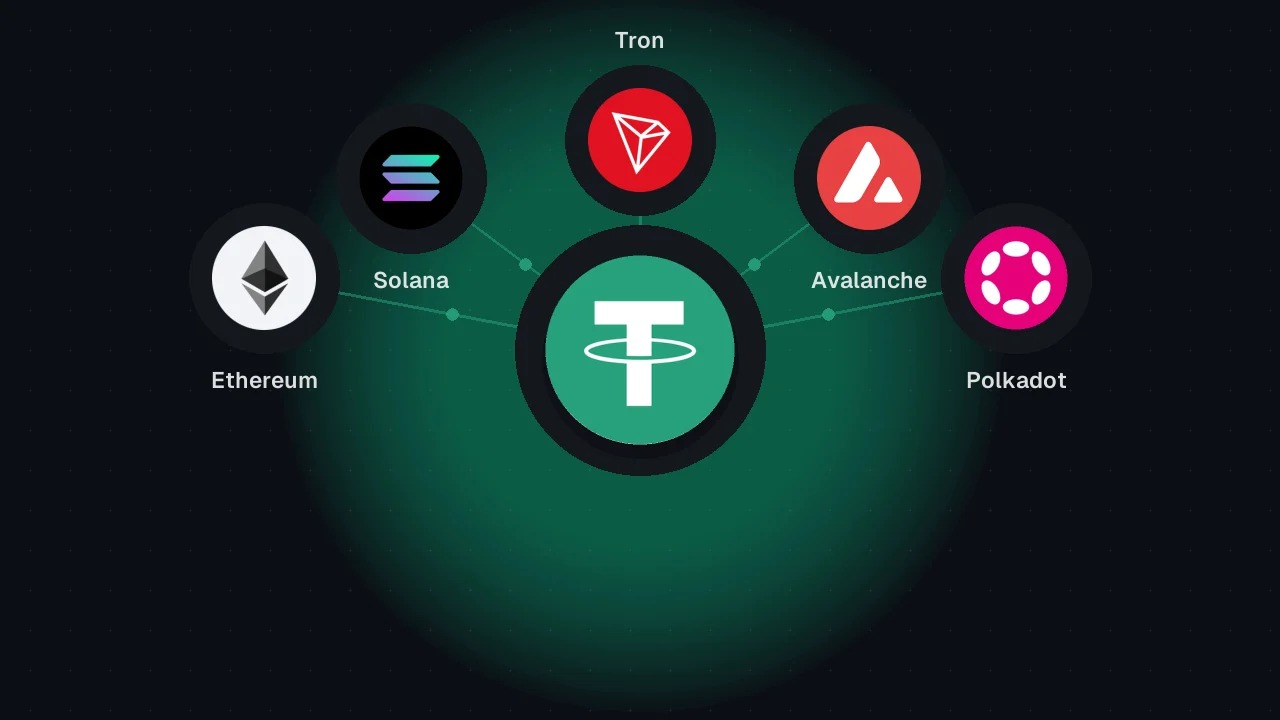
USDT is not tied to one blockchain. Tether issued it as an ERC-20 token on Ethereum and added a TRC-20 version on TRON in 2020, so the same ticker can travel by different routes. An exchange gives a deposit page for each network it supports, and that page names the network, the address, and any memo rule. A self-custody wallet has no deposit page, so check which networks it supports.
How do I send USDT step by step?
If the networks do not match, the funds can land where the recipient cannot reach them, and recovery usually needs the recipient's support team. Networks also differ in how fast they settle and how many confirmations a service waits for. Use the network the deposit page names.
- 1Open the deposit pageRead the network name, the address, and any memo or tag it shows.
- 2Note the exact network nameCopy the wording as it appears, because services label the same network differently.
- 3Select that network in your walletIf your wallet does not list it, you cannot send from there.
- 4Paste the address and memoPaste rather than type, then compare the ends with the page.
- 5Confirm the transferCheck the network, address, and memo one last time, because a confirmed transfer cannot be cancelled.
What should I do after sending?
Your wallet or exchange shows a transaction hash once the transfer is broadcast. Save that hash with the network name, the date, the amount, and the address. The IRS treats cryptocurrency as property, so keep these records for tax reporting and for support tickets.
Frequently asked questions
Sometimes, usually only when the recipient controls the keys on the network you used. Many exchanges say they will not recover wrong-network deposits, so ask support with the transaction hash ready.
No. Tether issued USDT on Ethereum as an ERC-20 token and on TRON as a TRC-20 token in 2020, and services add support at different times. Check the deposit page or your wallet's settings.
It is a short code that tells a shared exchange address which customer a deposit belongs to. You need one whenever the deposit page lists it, and it goes in the field labeled memo, tag, or destination tag.




