Two reports showed how the false transaction appeared
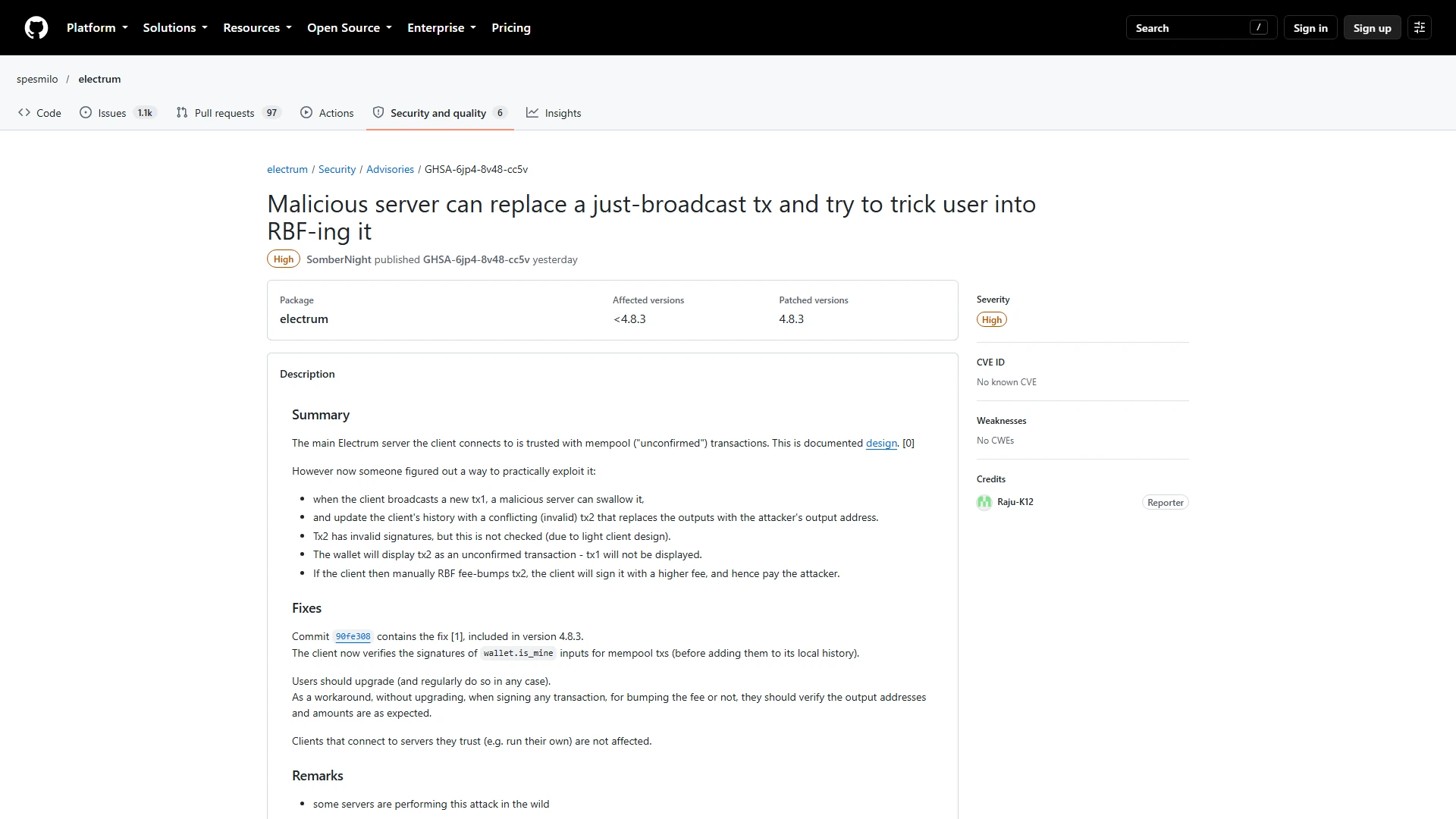
The developers received reports dated 11 and 18 October. In the second case, the user lost funds, although no amount has been published. The malicious server hid the real outgoing payment and supplied a different unconfirmed transaction with an attacker-controlled destination.
The false transaction used a zero fee and an address whose last four characters matched the intended address. When the victim tried to increase the fee through RBF, the older client could present the attacker’s transaction for signing. The danger came from signing the replacement, not from an attacker remotely taking control of the wallet.
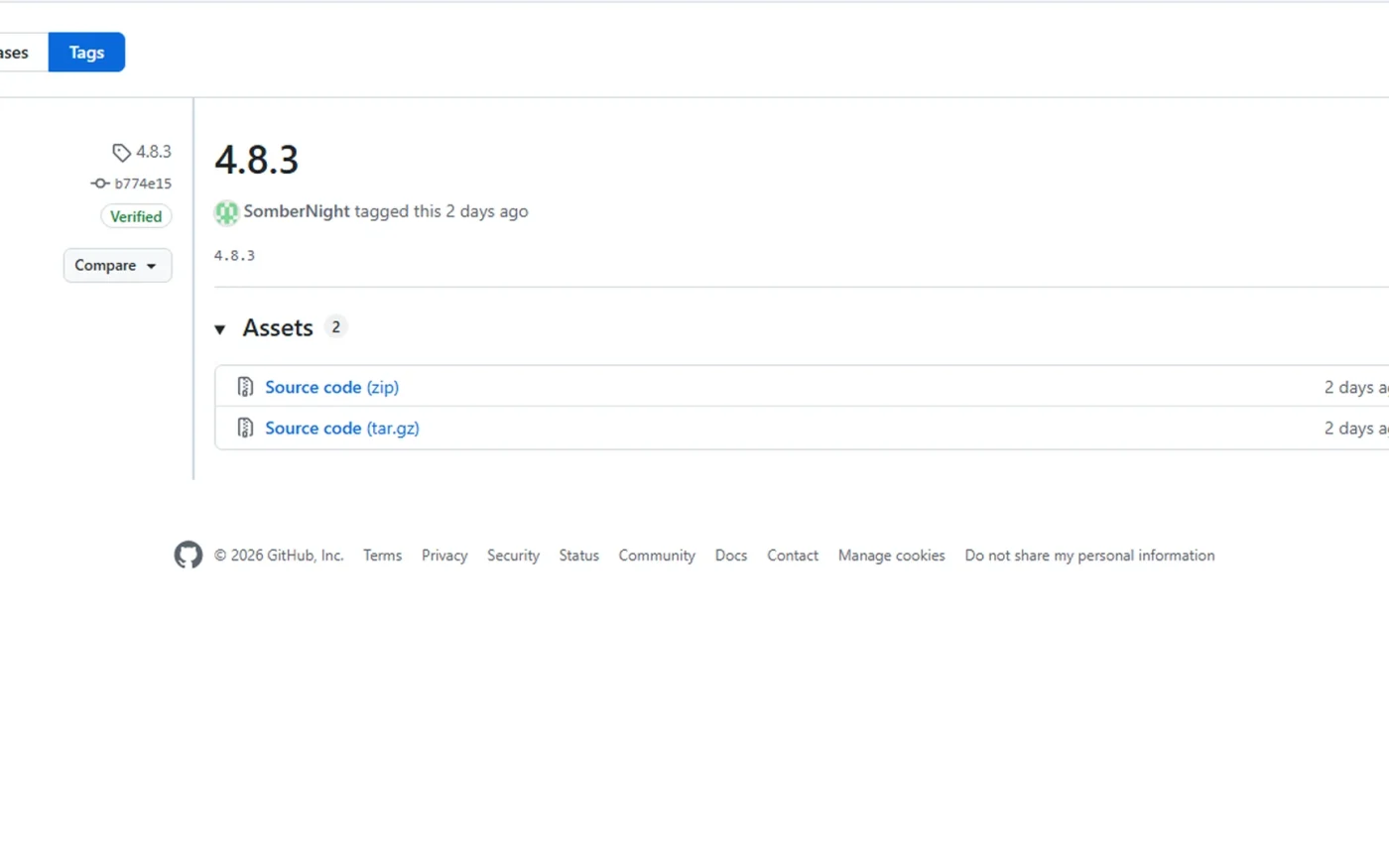
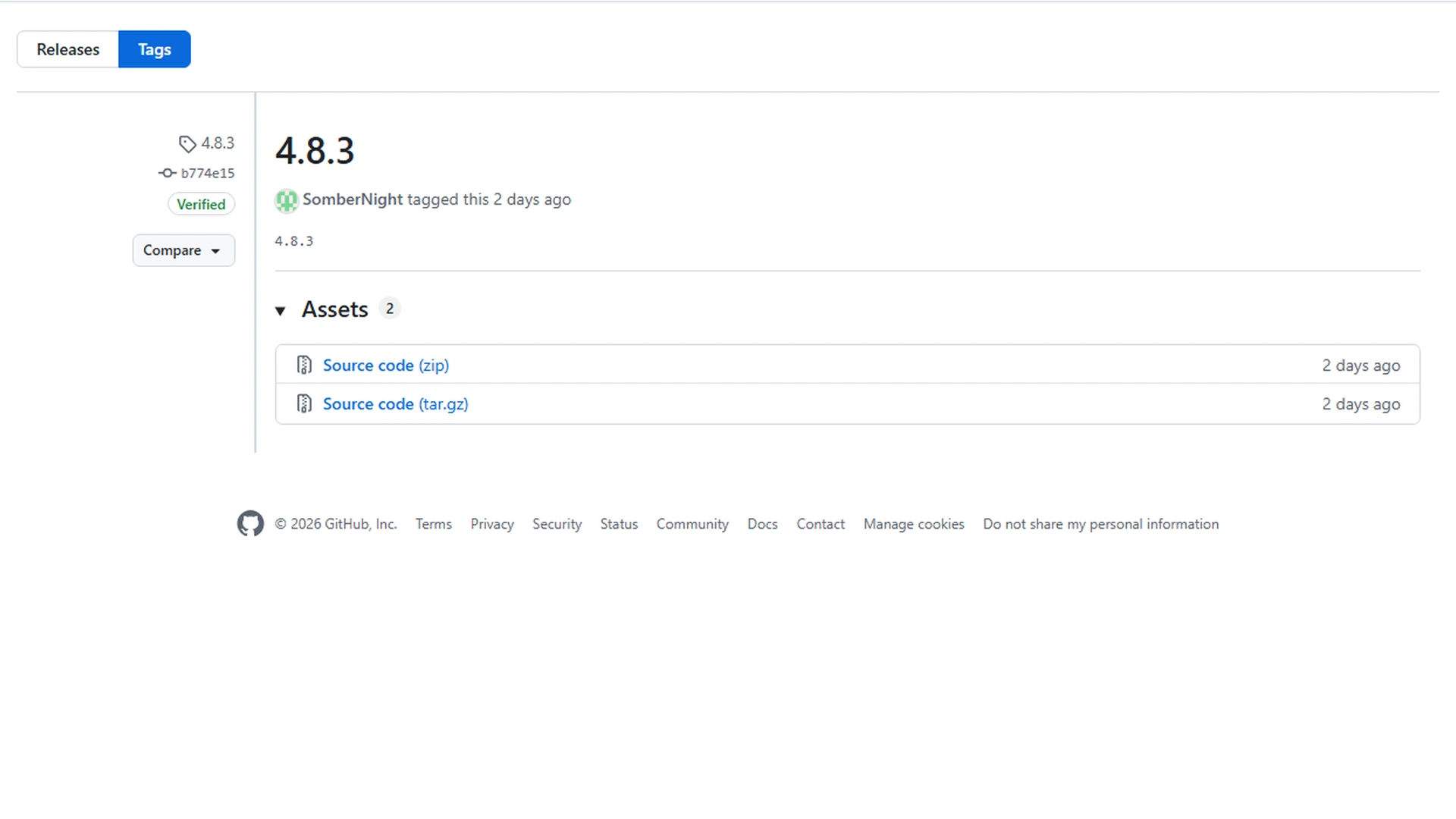
Version 4.8.3 verifies outgoing wallet inputs
The update checks the wallet’s own signatures before accepting an unconfirmed outgoing transaction into its history. This prevents a malicious server from presenting the false payment as the wallet’s genuine transaction. The fix does not apply the same verification to every incoming unconfirmed transaction, so users must still treat unfamiliar entries carefully.
The code fix was completed on 23 October and the release followed on 24 October. Electrum recommends the update to every user, even if they normally connect to a trusted server. No reliable public total exists for the number of affected wallets or the value lost.
Security checklist
- Download only from electrum.org.
- Verify the GPG signature and the release key.
- Check the complete address and amount before every signature, including RBF.
Users should verify the full package and every payment
Version 4.8.3 should be downloaded only from electrum.org. Desktop users should verify the GPG signature and confirm that the signing key is the authentic Electrum release key. Before approving any payment or RBF replacement, users should compare the full destination address and the amount, not only the final characters.
The project says a Windows warning about ZXing.dll is a false positive when it appears in the authentic signed package. That statement does not make a file from another website safe. The practical response is to install the official update, verify the signature and refuse to sign any transaction whose full details do not match the intended payment.
This article is for information only and is not investment advice.
 admin_wcContributor · World-CryptMore from